

Matrix 3D Jewelry Design Software (2026 Guide)
What Matrix 3D Jewelry Design Software Does Well
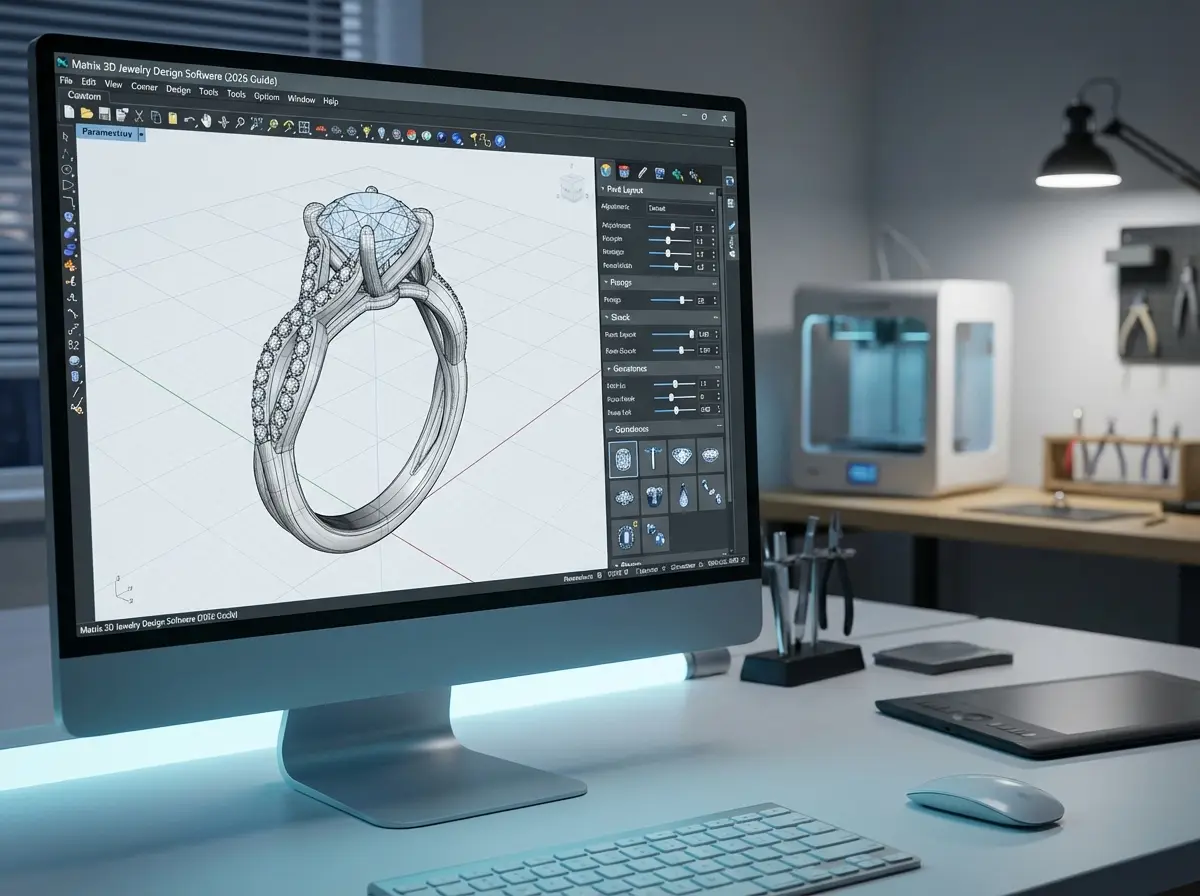
Matrix jewelry software was developed for jewelry-specific CAD work rather than general industrial modeling. That matters because jewelry designers and product development teams need tools for pavé layouts, galleries, prongs, ring sizing, stone placement, surface refinement, and production-ready geometry. Matrix became popular because it reduced some of the manual work involved in building repeatable jewelry models from scratch.
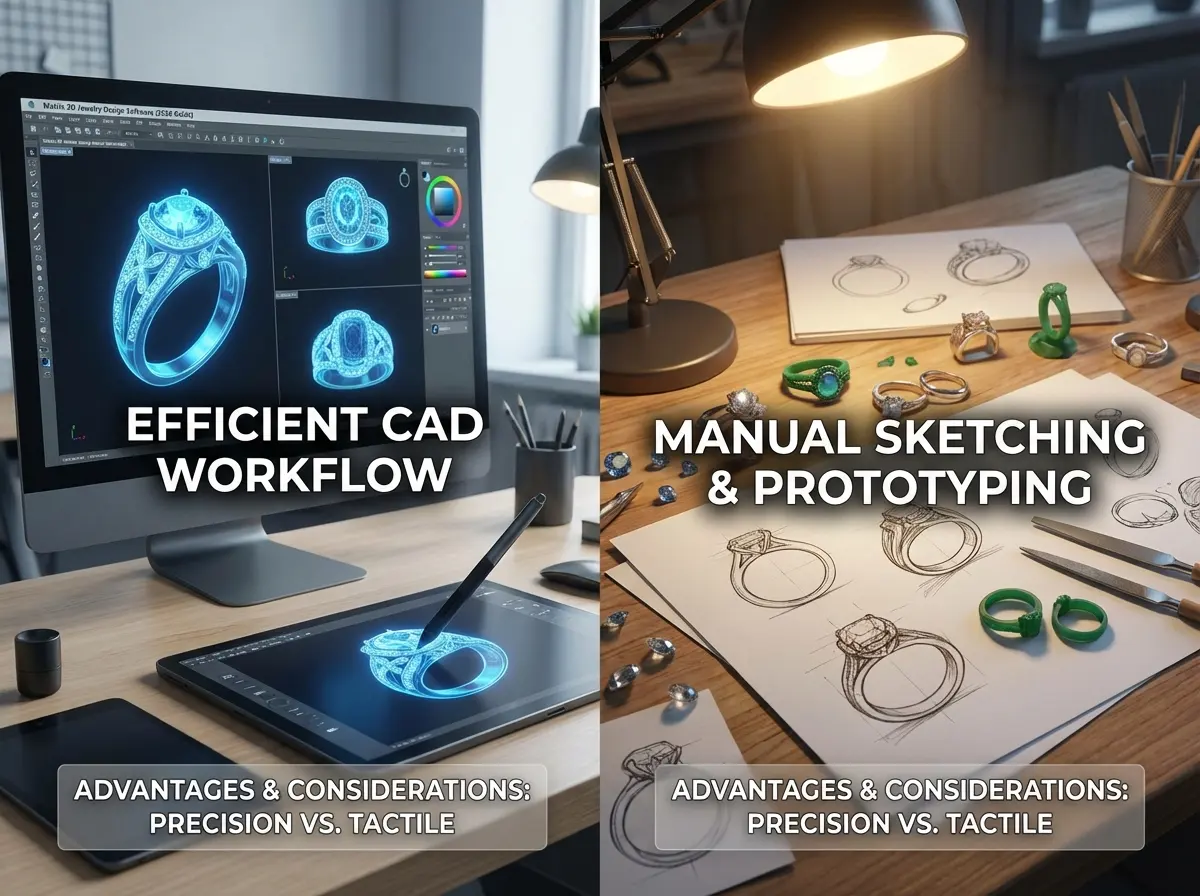
In practical terms, Gemvision Matrix helped many jewelers move from hand sketching and slow prototype cycles into digital workflows that support rendering, STL preparation, and faster manufacturer communication. For custom bridal, signet rings, and stone-heavy styles, that specialized toolset can still be valuable.
That said, Matrix is best understood as part of a broader Rhino-based ecosystem. If your team is already comparing rhino 3d jewelry modeling workflows or evaluating rhinoceros 3d jewelry design software for more open-ended modeling, Matrix makes the most sense when you want jewelry-specific commands layered into that environment. It is less compelling if your main priority is a very low learning curve or low upfront cost.
Key Capabilities That Matter to Jewelry Brands and Product Teams
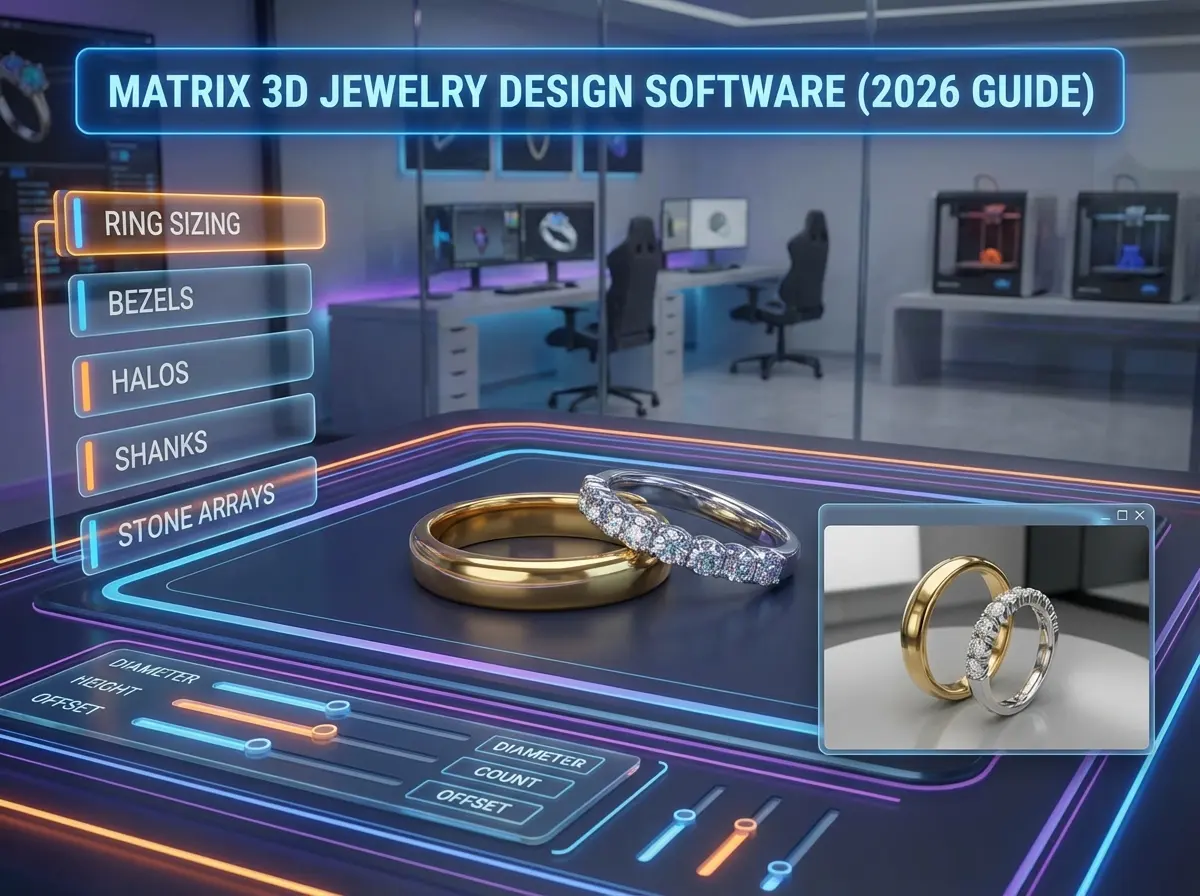
For business owners, the main value of Matrix is not the software itself. The value is what it can remove from your development process: miscommunication, repeated revisions, and expensive sample delays.
Here are the capabilities that typically matter most:
- Jewelry-specific modeling tools for rings, prongs, bezels, halos, shanks, and stone arrays.
- Parametric editing that lets a designer adjust finger size, stone dimensions, or proportions without rebuilding the model from zero.
- Better control over custom design iterations, which is useful when clients request small changes across a collection.
- Rendering support for concept presentation before you commit to wax or metal samples.
- STL export and prototyping readiness for 3D printing and sample development workflows.
Where Matrix can be especially helpful is in bridging the gap between creative design and manufacturability. When used well, it helps create cleaner files that are easier for a production partner to review, prototype, and refine. That is why digital workflows continue to shape both custom work and collection development, as discussed in technology jewelry design innovations shaping industry.
Still, software alone does not guarantee production success. A beautiful render can hide weak wall thickness, poor stone tolerances, or finishing challenges. That is why many brands pair CAD work with a manufacturer that can review design feasibility early. Royi Sal supports that process through its Services and structured Customer Journey, which helps brands move from concept to approved sample with fewer surprises.
Pros and Cons
Strengths
- Built for jewelry workflows rather than generic product design, which saves time on common ring and stone-setting tasks.
- Strong for custom design revision cycles where dimensions, center stones, or ring sizes change often.
- Widely recognized in the jewelry trade, so experienced freelance designers and some manufacturers already know the workflow.
- Supports cleaner communication through renders, technical previews, and prototype-ready files.
- Useful for premium and custom categories where precision and visualization matter before sample approval.
Considerations
- The learning curve is real. Matrix 3D jewelry design software training is often necessary before a team uses it efficiently.
- Pricing can be a barrier for small startups, especially when you add training, hardware, and revision time.
- It is not automatically production-perfect. Files still need manufacturing review for thickness, stone security, casting behavior, and finishing feasibility.
- Some businesses may find newer or simpler jewelry CAD tools easier for quick concept work.
Who Matrix Is Best For
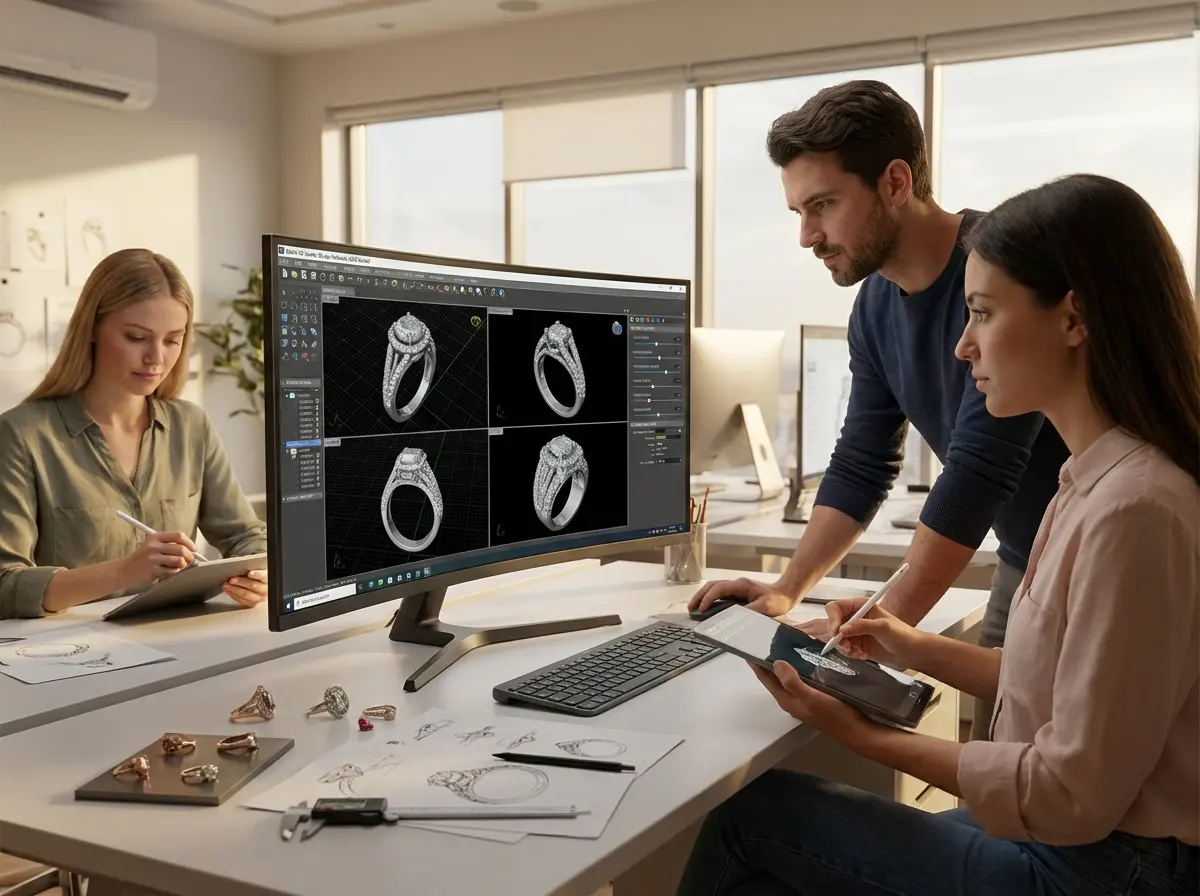
Matrix is usually a good fit for custom jewelers, bridal specialists, freelance CAD designers, and product teams that create many stone-set or size-variable pieces. If your business sells bespoke engagement rings, personalized signets, or small luxury collections that need frequent technical adjustments, Matrix can pay for itself through better control and fewer remakes.
It is less ideal for founders who only need occasional concept visuals, or for brands that outsource all design development and do not want software overhead. In those cases, working with an experienced development partner may be more cost-effective than buying software licenses and building internal CAD capability. This matters even more when your design direction is driven by market movement, seasonal drops, or fast response to jewelry trends watch 2025 key design elements year.
Where Royi Sal Can Help If You Are Using Matrix
If your brand is using Matrix CAD files, or planning to, Royi Sal can fit in as a manufacturing and development partner rather than a software seller. We help brands turn approved concepts into production-ready jewelry through sampling, technical review, and in-house manufacturing support. You can explore our Services, browse current design direction in our Jewelry Collections, or review styles in our Jewelry Catalog.
For brands that already have CAD files, the real question is whether those files are ready for reliable production. That is where manufacturing feedback matters. Our team helps assess structure, wearability, stone setting practicality, finishing considerations, and sample readiness. If you are still organizing the process from concept through approval, our Customer Journey shows how development moves step by step. If you want to discuss your project directly, you can Contact Us.
It is also fair to note our limits. Royi Sal is B2B focused, not retail. We are primarily silver-focused, MOQ requirements apply, and production orders typically require lead time. For brands that want an end-to-end development partner instead of managing every CAD and prototype step alone, that tradeoff is often worthwhile.
How to Evaluate Matrix Against Other Jewelry CAD Options
If you are choosing between Matrix, Rhino-based workflows, or another 3D jewelry design software platform, evaluate the decision like an operator, not just a designer.
1. Design complexity
If your collection includes pavé rings, stone-heavy silhouettes, matching size runs, or custom center-stone variations, Matrix has a stronger case. If your work is simpler and more sculptural, a broader CAD environment may be enough.
2. Training time and internal capacity
Do you actually have someone who will use the software weekly? Matrix 3D jewelry design software training is not optional if you want speed and accuracy. If your team lacks dedicated CAD resources, outsourcing may be a better investment than software ownership.
3. Total cost, not just license cost
When people search for matrix 3d jewelry design software price, they often focus too narrowly on software fees. Real cost includes training hours, workstation requirements, design revision time, prototype printing, and staff productivity during the learning period.
4. Manufacturer compatibility
Ask your production partner what file formats and modeling standards they prefer. A strong CAD file is only valuable if it translates smoothly into sample making, casting, setting, and finishing. Royi Sal has shared more on this workflow in How Use CAD Technology Faster Jewelry Prototyping and Royi Sals 3D Sampling Workflow.
5. Business model fit
If your brand wins on customization, Matrix can support that promise. If your advantage is fast trend response, fast catalog expansion, or efficient OEM/ODM launches, software choice matters less than how well your development and manufacturing partner can execute. The best tool is the one that helps your business release better products with fewer delays.
Manufacturability Checks Matrix Users Should Not Skip
Here’s the thing, many CAD problems do not appear until a file reaches prototype or casting. Matrix can help you build faster, but speed only helps if the model survives production review. Before approving a design, it is worth checking the practical details that affect printability, casting, setting, and finishing.
Wall thickness and structural balance
Thin cross sections may look refined on screen but become risky in real production. Shanks, prongs, connector points, and decorative bridges all need enough material to handle casting, polishing, and wear. The reality is that a model can look elegant in render view and still be too fragile for everyday use.
Stone tolerances and setting access
Stone layouts are one of Matrix’s strongest areas, but layout accuracy is only part of the job. Seats, spacing, and access for setters also matter. If accent stones are packed too tightly, or if the setting geometry leaves little room for tools, your sample may need redesign before approval.
Finishing access and cleanup
What many people overlook is how difficult hidden surfaces can become during polishing. Tight galleries, blocked corners, and deep recessed areas may trap porosity or make finishing inconsistent. A design that is technically printable is not always practical to finish to a premium standard.
Assembly logic for multi-part pieces
If a piece includes hinges, drops, separate settings, or assembled components, the CAD file should reflect how those parts will actually be produced and joined. From a practical standpoint, this is where early manufacturer review saves time. It is much easier to adjust tolerances in CAD than after a sample exposes movement, alignment, or soldering issues.
Training and Adoption: What Teams Often Underestimate
Matrix 3D jewelry design software training is not just about learning commands. It is about learning how jewelry should be modeled for production. That distinction matters. A designer may become comfortable building attractive forms and still struggle with wearability, stone security, casting behavior, or model cleanup.
Consider this: software adoption usually fails for business reasons, not because the tool is weak. Teams often buy advanced jewelry CAD software before they define who will own the workflow, how often it will be used, and what level of output is expected. If one person uses Matrix only occasionally, efficiency gains can disappear into retraining time and revision loops.
A more realistic training plan includes three layers: software basics, jewelry-specific modeling practice, and manufacturer feedback on real files. That third layer is where many teams improve fastest. When your CAD process is linked to actual sample outcomes, your internal standards become clearer and your revision cycles usually get shorter.
File Handoff Checklist Before You Send a Matrix Model to Production
If you plan to send Matrix files to a manufacturer, a simple handoff checklist can prevent avoidable back-and-forth.
- Confirm the preferred export format before sending files.
- Include final finger size, stone sizes, target metal, and any critical tolerances.
- Flag areas that are visual-only and areas that are function-critical.
- Share renders or annotated screenshots so the factory can compare design intent with geometry.
- Note whether the piece is intended for direct casting, mold development, or further CAD revision.
- Clarify if the design is a one-off custom piece or the first style in a repeatable collection.
Think of it this way: a CAD file without context is only partial communication. The more clearly your file package explains design intent, the easier it is for a manufacturer to spot risks early and keep development moving.
Frequently Asked Questions
Is Matrix 3D jewelry design software still relevant in 2026?
Yes, especially for jewelry businesses that need specialized CAD tools for rings, stone settings, and custom variations. It remains relevant because it was built around jewelry workflows rather than generic product design. Still, relevance does not mean universal fit. Brands should compare it against current Rhino-based and jewelry-specific alternatives based on training burden, budget, and production goals.
What is Matrix jewelry software best used for?
It is best for custom jewelry development, bridal design, ring modeling, and styles that require repeatable stone layouts or dimensional changes. It can also help teams present more accurate renders before sampling. Businesses with frequent bespoke requests usually get more value from Matrix than brands working only on basic pendants or simple fashion styles.
Is Gemvision Matrix hard to learn?
For most users, yes. It is not impossible, but it does require structured learning and regular use. New users often underestimate how long it takes to move from making a nice render to creating production-friendly models. If your team will only use it occasionally, the learning curve may outweigh the benefits.
How much does Matrix 3D jewelry design software cost?
Pricing can vary by version, reseller, support package, and training setup, so it is best to request current quotes directly from authorized sellers. From a business standpoint, look beyond the sticker price. Include training, computer hardware, lost productivity during onboarding, and prototype costs when calculating total investment.
Does Matrix work well for 3D printing jewelry design software workflows?
Yes, it can work well for 3D printing preparation because it supports technical modeling and prototype-oriented file output. The key issue is not just export capability, but model quality. Bad geometry, thin areas, and weak settings can still create failures in printing or casting, even when the software itself is capable.
Can Matrix replace a jewelry manufacturer’s technical review?
No. Matrix can improve file quality and communication, but it does not replace manufacturing judgment. A manufacturer still needs to review wall thickness, stone tolerances, wearability, finishing access, and assembly issues. Software helps you design faster. It does not remove the need for engineering and production experience.
Is Matrix better than Rhino for jewelry design?
That depends on your workflow. Matrix is attractive when you want jewelry-specific tools built into a Rhino-style environment. Rhino alone can offer more modeling flexibility for some users, but it may require more manual work. If your business focuses heavily on jewelry-specific structures, Matrix often feels more purpose-built.
Is Matrix a good choice for startup jewelry brands?
Sometimes, but not always. If your startup is based on custom design and you already have CAD capability, it can be a strong investment. If you are still validating your market, launching limited collections, or relying on external development support, outsourcing design and sampling may be more practical than buying advanced software early.
Can Royi Sal work from existing Matrix files?
Yes, Royi Sal can support brands that already have design concepts or CAD-ready development inputs and need help moving toward sampling and production. The most important step is reviewing whether the file is truly manufacturing-ready. That review helps reduce revision loops, prevent avoidable sample issues, and align the design with production realities.
Can Matrix handle organic or sculptural jewelry well?
It can, but that is not usually where it feels strongest. Matrix is most compelling when your work depends on jewelry-specific structures, stone layouts, and repeatable dimensional control. For highly organic surfaces or sculptural forms, some designers prefer workflows that give more direct freedom in shaping and detailing. The right choice depends on whether your priority is expressive form, technical repeatability, or a mix of both.
What file format should you send a manufacturer from Matrix?
That depends on the manufacturer’s workflow, so always confirm before export. In many cases, teams share prototype-oriented files for printing along with reference renders or screenshots. If further CAD revision is expected, your production partner may also want a format that preserves more editing flexibility. The safest approach is to ask first rather than assume one export works for every factory.
Do you need bench jewelry knowledge to use Matrix effectively?
You do not need to be a bench jeweler to start learning Matrix, but bench knowledge helps a lot. Understanding stone setting, polishing access, wearability, and assembly makes it easier to create files that hold up in production. Without that knowledge, teams often produce attractive renders that need significant revision before sampling.
Can Matrix help reduce sample revisions?
Yes, when it is used with disciplined modeling standards and manufacturer feedback. Matrix can make iterations clearer, improve stone and sizing consistency, and reduce some communication problems. Still, fewer revisions are not automatic. The file, the operator, and the production review process all matter.
Key Takeaways
- Matrix 3D jewelry design software is strongest in custom, ring-based, and stone-intensive jewelry workflows.
- Its biggest advantages are jewelry-specific tools, parametric edits, and better communication before sampling.
- The biggest drawbacks are training time, total cost, and the fact that CAD files still need manufacturing review.
- For some brands, outsourcing development is more efficient than building in-house Matrix capability.
- Royi Sal can help translate CAD concepts into production-ready samples and scalable manufacturing plans.
Conclusion
Matrix remains a credible option for jewelry businesses that need specialized CAD capability, especially when customization, ring development, and stone-setting precision are central to the brand. Its value is real, but so is the learning curve. If your team will use it deeply and often, it can support stronger development workflows. If not, a manufacturing partner with design review and prototyping support may give you a better return. If you want help turning CAD concepts into samples and production-ready jewelry, explore Royi Sal’s services or get in touch with our team. We are happy to help you evaluate what is practical for your brand, whether you are designing from scratch or refining existing files.




Responses (0)